For a print bureau, the margin on a build is how many sellable parts fit in the powder. For a product designer, the cost of a prototype is how many prints it takes before the mechanism moves. NativeCAD is CAD software driven by your AI assistant. It designs the part, checks that it will print and work, packs the build and can start the job.
What print teams do with NativeCAD
- Nest parts in 3D by their real shape, with a gap you set and no collisions.
- Design print-in-place mechanisms and check clearance through the full motion.
- Send a part to a desktop printer from a chat.
- Split a large model into a printable kit with part count, time and material.
- Repair and rebuild customer STL files as editable solids.
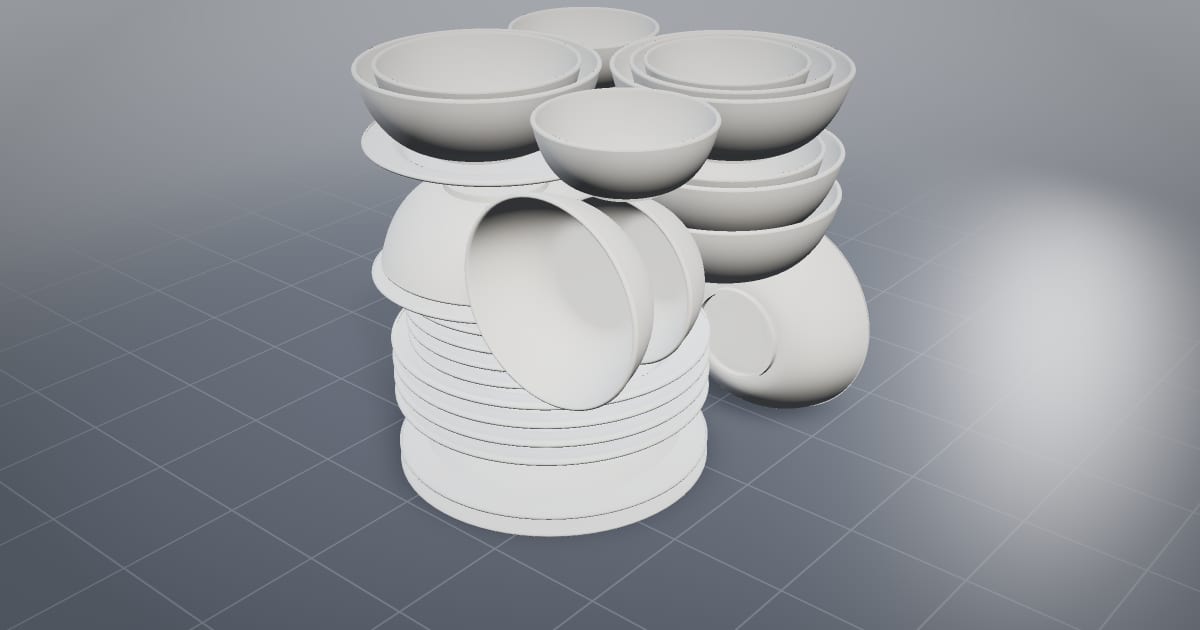
A dinner service nested in one SLS build
The 3D nesting demo packs 30 pieces of tableware into one EOS P 396 build 352 mm tall. That is 1.81× the density of packing the same pieces by their bounding boxes. The closest gap is 3.00 mm where 3 mm was asked, with 0 collisions. Cups sit inside bowls because the nester works on the actual geometry.
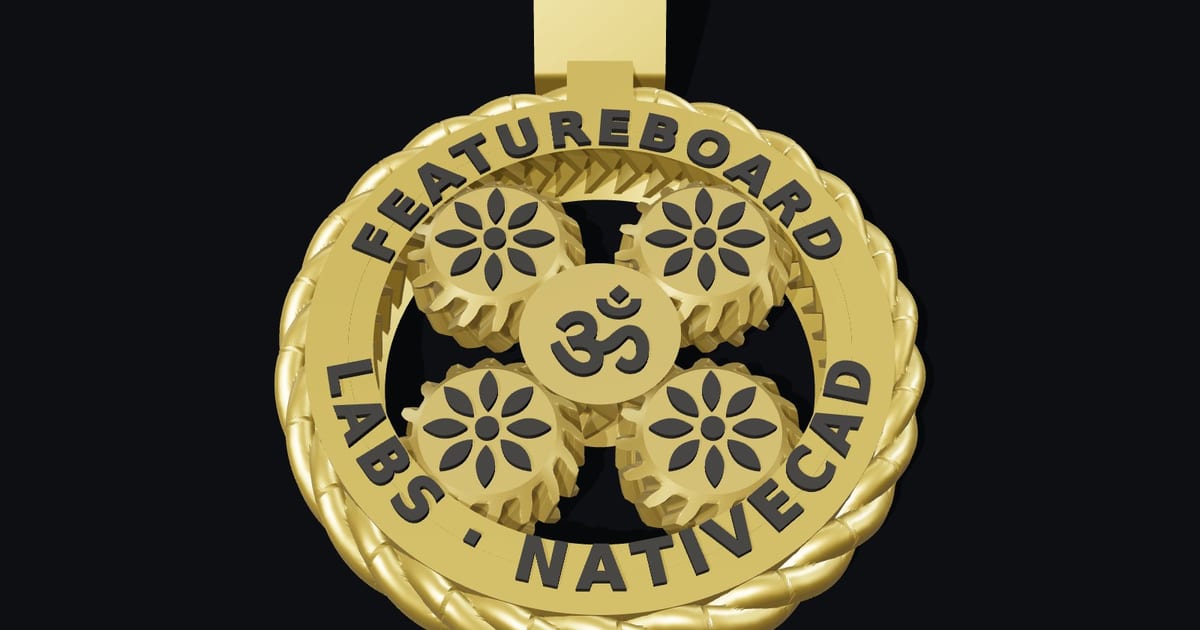
A planetary gearbox printed in one piece
The wearable planetary gearbox has 5 moving parts and zero assembly. It prints at 0.25 mm clearance, and every pair of moving parts was measured at 12 positions across a full turn, so the gears are free when the print comes off the bed. It was printed on a Bambu Lab X1 Carbon.
From a chat to the printer
Print a part from a chat with Claude walks through sending a NativeCAD part to a Bambu Lab X1 Carbon. The first time through takes about ten minutes; after that a part is a couple of sentences. For a designer that turns "I need a cable clip for a 6 mm lead" into a part on the bed without opening a slicer first.
Large models as print kits
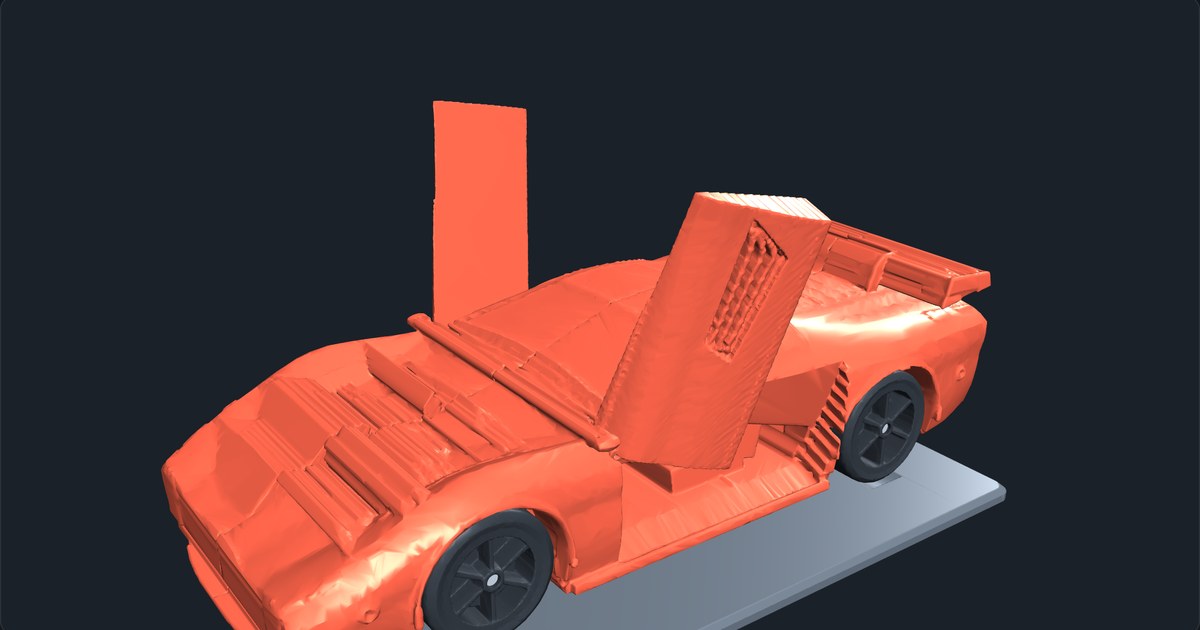
The print kits split NativeCAD vehicles into FDM and resin kits. The hypercar's 1:20 FDM kit is 19 parts, about 19 h 58 min of printing and 437 g of PLA. A bureau can quote a kit like this from the model, because part count, time and material come out with the split.
Customer STL files become solids again
The reconstruction scoreboard rebuilds scanned and downloaded meshes as B-rep solids. The NURBS showcase includes an STL recognised as an analytic sphere. Once a customer's mesh is a solid again, you can thicken a wall or open a hole and send back a STEP or 3MF.
What to ask your assistant
Nest these 40 parts into my SLS build volume with a 3 mm gap.
    Make a print-in-place hinge with 0.3 mm clearance and check it through 180 degrees.
    Design a wall hook for a 12 mm bar and print it in PETG.
    Thicken every wall under 1.2 mm on this customer STL.
The DFM knowledge packs include kitchen-tableware, jewellery-wearables and toys-games. For metal builds read NativeCAD for metal additive manufacturing.
Questions 3D printing services ask
Can NativeCAD nest parts for an SLS or MJF build?
Yes. NativeCAD nests parts in 3D by their real geometry with a minimum gap you set. Its demo packs 30 tableware pieces into one EOS P 396 build at 1.81× the density of bounding-box packing with 0 collisions.
Can I 3D print directly from Claude?
Yes. With NativeCAD installed, Claude can model a part and send it to a Bambu Lab X1 Carbon. Setup takes about ten minutes the first time.
What does NativeCAD cost?
A NativeCAD MCP / Modeler seat is $200 per seat per year, or $20 per seat per month, with no metered usage. The evaluation needs no key and no sign-up; export, save and import need a seat key. See pricing.
Does my geometry leave my computer?
NativeCAD runs on your own machine: the kernel and solvers run locally and licence validation is fully offline. Files opened in the browser modeler are never uploaded. Your AI assistant sees what you ask it to work on, under your agreement with its provider.
NativeCAD in other industries
- NativeCAD for Drone Manufacturers: Airframe, Airflow and Every Revision Checked
- NativeCAD for Automotive: Drivelines, Tolerance Stacks and Thermal Parts Your AI Can Check
- NativeCAD for Motorsport: More Design Iterations Between Races
- NativeCAD for Aerospace and Turbomachinery: Blades, Casings and Qualification Reports
- NativeCAD for Robotics and Weld Cell Integrators: Program the Cell From the CAD Model
- NativeCAD for CNC Job Shops: From the Customer's Drawing to a Checked Solid
- NativeCAD for Sheet Metal Fabricators: Flat Patterns, Bend Checks and Drawings by Conversation
- NativeCAD for Metal Additive Manufacturing: Design for the Printer, Then Prove the Part
- NativeCAD for Foundries and Casting: Part In, Mould Out
- NativeCAD for Electronics Hardware Teams: Check the Board and Fit the Enclosure Before You Build
- NativeCAD for Furniture Makers and Woodworkers: A Desk Designed in Ten Messages
- NativeCAD for Game Studios and 3D Asset Teams: Engineering-Grade Models as Runtime Assets
- NativeCAD for Simulation Teams: FEA and CFD Set Up and Run by the Agent That Built the Part
- NativeCAD for Defense and Regulated Manufacturing: AI-Built Parts Inside Your Own Boundary
NativeCAD is CAD, FEA and CFD software your AI assistant drives over MCP, from Claude, Cursor or your own agent, and in the browser. Every part is an exact B-rep solid that exports as STEP AP242. See what it does, browse every demo, check pricing, or install it.