A believable vehicle, engine or machine takes an artist weeks, and the result still has no mass, no pivots and no interior. NativeCAD is a CAD kernel driven by your AI assistant. It builds the object as exact solid geometry, with moving parts and measured mass, and exports a runtime asset with level-of-detail meshes. The model that looks right is also the model that drives the physics.
What studios do with NativeCAD
- Export B-rep models to glTF, GLB and USD in one call, with materials and hierarchy.
- Get detail levels that stay watertight from the hero mesh down to the far LOD.
- Strip small features for distant or collision geometry.
- Read mass, centre of gravity and joint positions off the model for vehicle physics.
- Reuse the same model for cutaways, exploded views and printed merchandise.
B-rep to runtime asset in one call
SceneReady export turns a solid into a runtime asset with a single call, cad_export_body { format: "glb" }. The glTF showcase has 19 models to download that open in three.js, Babylon, Blender and Windows 3D Viewer. For pipelines built on Omniverse or Apple platforms, NativeCAD writes OpenUSD and USDZ.
Five detail levels, watertight at every level
Decimation levels for game engines produces 5 detail levels per part, watertight at every level, so there are no cracks when a LOD swaps. Defeaturing removes holes, fillets and bosses under a size threshold and heals the solid, which gives clean low-detail and collision shapes. The tessellation benchmark compares mesh quality against other CAD-to-mesh tools.
Games already running on NativeCAD geometry
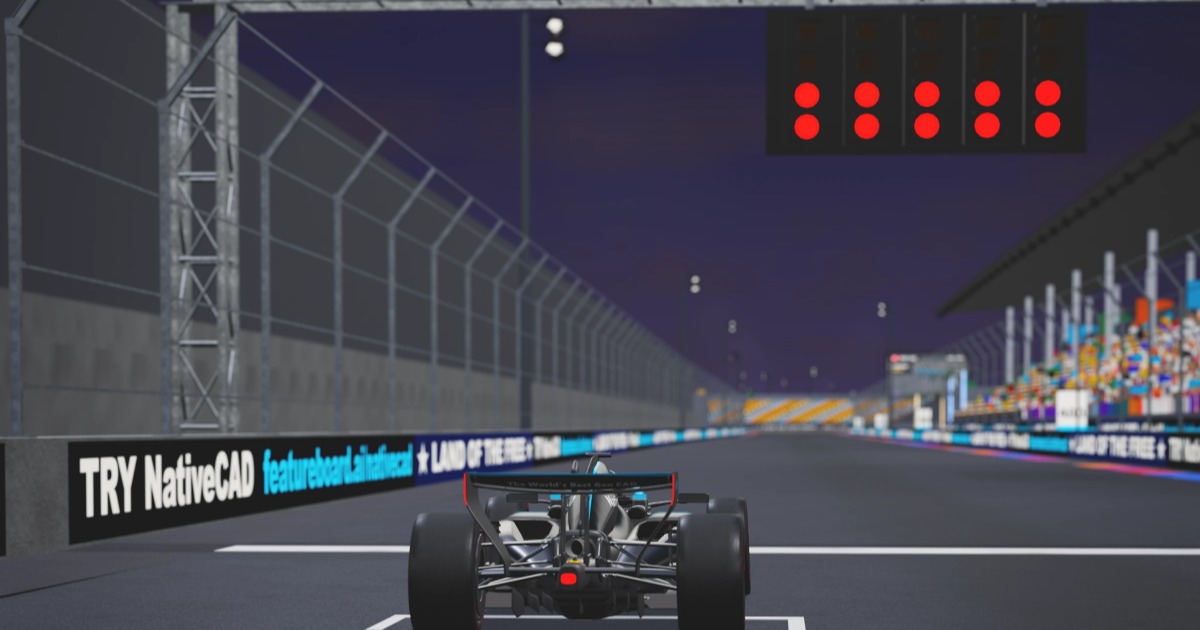
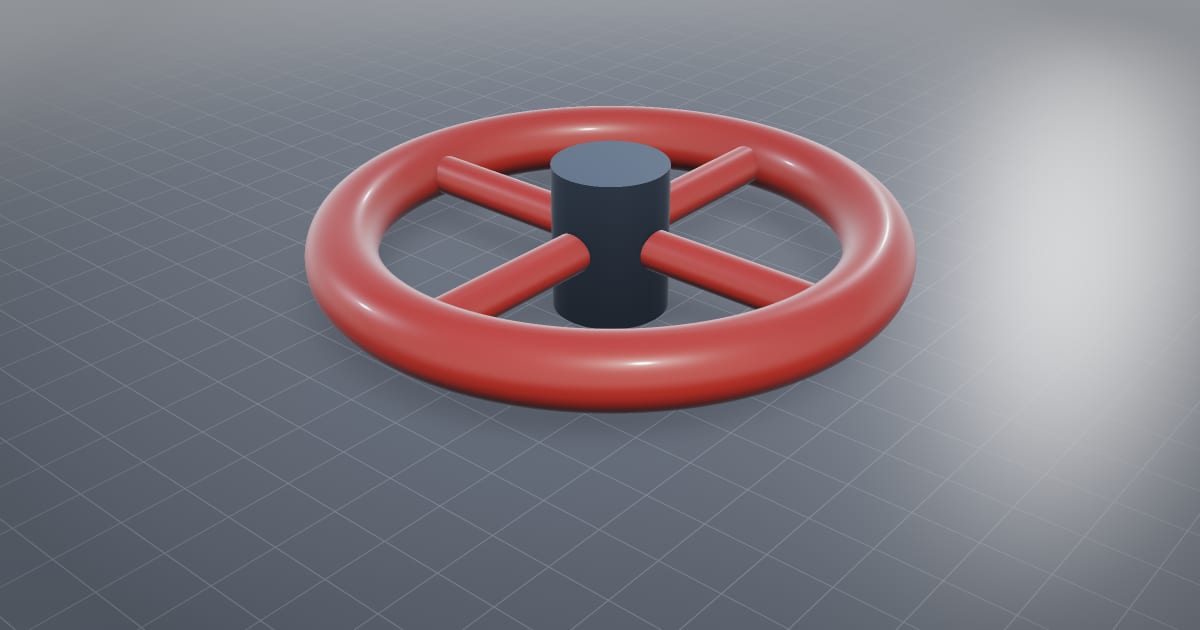
Track Limits is a browser racing game. Every panel is meshed from its exact B-spline surfaces, and the mass, centre of gravity and suspension points the game uses are measured off the same model. It has four circuits and up to seven AI opponents. NativeCAD Space Program has 24 vehicles you can fly, each an original 1:1 model built from public figures, including a Saturn V. On the board-game side, Space Program lets players export any NativeCAD model as a flyable vehicle, with kernel mass properties and mates as joints.
Large assemblies that stay fast
The turbogenerator is a containerised power plant exported once through SceneReady glTF with LOD levels, explode, isolate, section and a run clip. The V12 engine runs live with a cutaway and an exploded view. Both show what a single engineering model gives a game: interior detail, working motion and instancing for free.

The same models as print kits
Because the assets are solids, they print. The print kits split game vehicles into FDM and resin kits: the hypercar at 1:20 is 19 parts and 437 g of PLA.
What to ask your assistant
Build a six-wheeled rover with working suspension arms and export it as GLB with five LODs.
    Give me collision hulls for every part and the mass and centre of gravity of the whole vehicle.
    Remove every feature under 5 mm for the far LOD.
    Export the cockpit as USDZ with separate materials for glass and metal.
Questions game studios ask
Can NativeCAD export CAD models to glTF for game engines?
Yes. One call exports a B-rep solid or assembly as glTF or GLB with hierarchy, materials and level-of-detail meshes. NativeCAD also writes OpenUSD and USDZ.
Why build game assets in CAD?
A CAD model has exact surfaces, real moving parts and measured mass properties. One model gives you the render mesh, the LODs, the collision shapes and the physics numbers, and it can be sectioned, exploded or 3D printed.
What does NativeCAD cost?
A NativeCAD MCP / Modeler seat is $200 per seat per year, or $20 per seat per month, with no metered usage. The evaluation needs no key and no sign-up; export, save and import need a seat key. See pricing.
Does my geometry leave my computer?
NativeCAD runs on your own machine: the kernel and solvers run locally and licence validation is fully offline. Files opened in the browser modeler are never uploaded. Your AI assistant sees what you ask it to work on, under your agreement with its provider.
NativeCAD in other industries
- NativeCAD for Drone Manufacturers: Airframe, Airflow and Every Revision Checked
- NativeCAD for Automotive: Drivelines, Tolerance Stacks and Thermal Parts Your AI Can Check
- NativeCAD for Motorsport: More Design Iterations Between Races
- NativeCAD for Aerospace and Turbomachinery: Blades, Casings and Qualification Reports
- NativeCAD for Robotics and Weld Cell Integrators: Program the Cell From the CAD Model
- NativeCAD for CNC Job Shops: From the Customer's Drawing to a Checked Solid
- NativeCAD for Sheet Metal Fabricators: Flat Patterns, Bend Checks and Drawings by Conversation
- NativeCAD for Metal Additive Manufacturing: Design for the Printer, Then Prove the Part
- NativeCAD for 3D Printing Services and Product Designers: Fuller Builds, Parts That Work Off the Bed
- NativeCAD for Foundries and Casting: Part In, Mould Out
- NativeCAD for Electronics Hardware Teams: Check the Board and Fit the Enclosure Before You Build
- NativeCAD for Furniture Makers and Woodworkers: A Desk Designed in Ten Messages
- NativeCAD for Simulation Teams: FEA and CFD Set Up and Run by the Agent That Built the Part
- NativeCAD for Defense and Regulated Manufacturing: AI-Built Parts Inside Your Own Boundary
NativeCAD is CAD, FEA and CFD software your AI assistant drives over MCP, from Claude, Cursor or your own agent, and in the browser. Every part is an exact B-rep solid that exports as STEP AP242. See what it does, browse every demo, check pricing, or install it.