The FoDES drafting desk: a line sketch to a 200-part assembly, by conversation
Around a recording of FoDES — Future of Design & Engineering Software with Roopinder Tara, NativeCAD was handed a one-line sketch of a tilt-top drafting desk and asked to "model this". What follows is the desk it built — top, hinge, gas struts, telescoping cantilever legs, drawer pedestal — and then, on the next request, every bracket, bolt and screw that holds it together. No sketcher, no mouse: each step is a sentence, each result a watertight B-rep body the kernel checked before it answered.
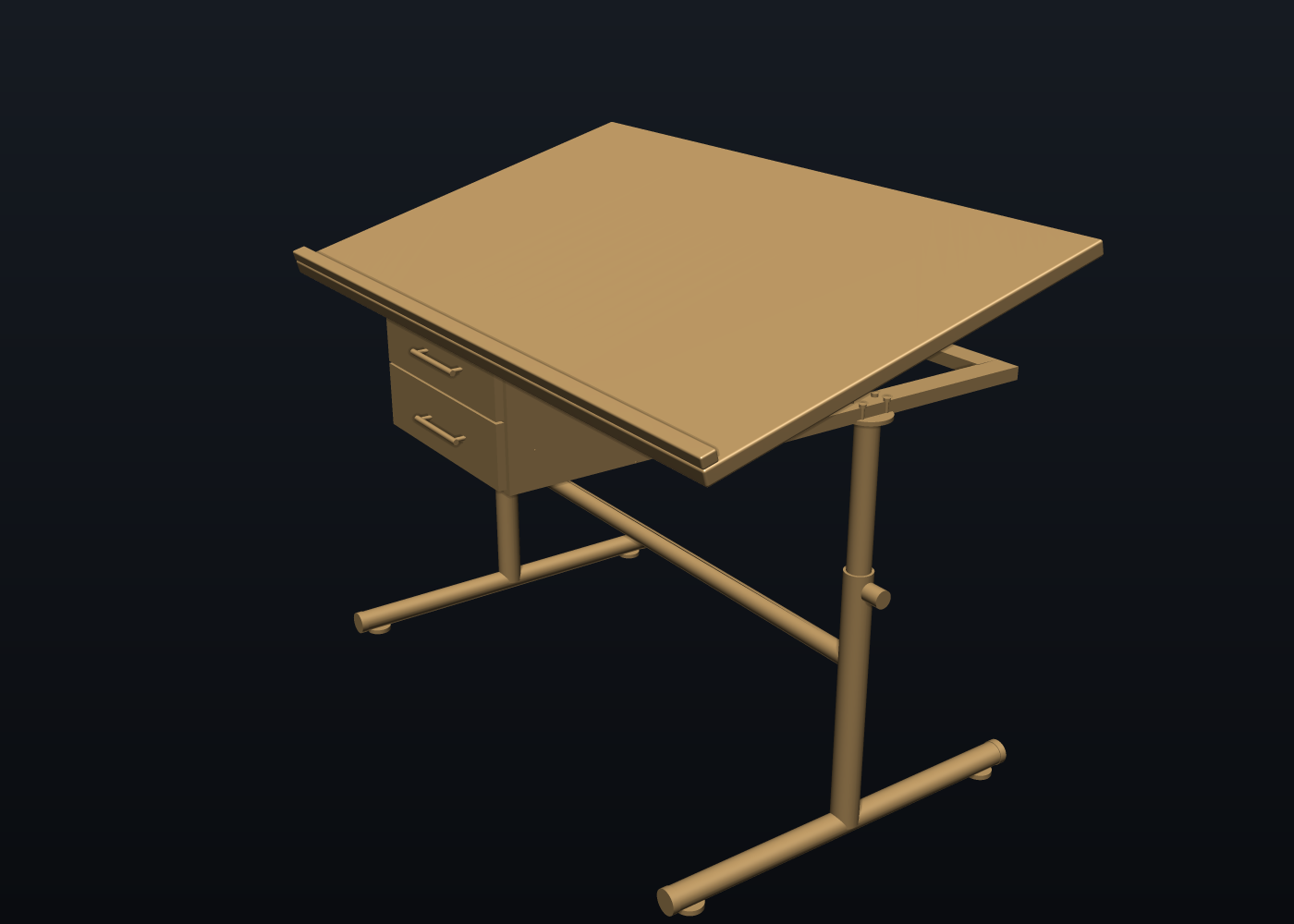
Drag inside the scene to orbit, scroll to zoom. The slider takes the assembly apart: drawers slide out on their runners, every screw leaves along its own axis. Materials are per body class: laminate top, powder-coated frame, black MDF carcass, zinc hardware.
The assembly, as shipped
Every figure below is measured from the shipped STEP and its verified GLB. Nothing on this page is a typed-in number.
What we got, prompt by prompt
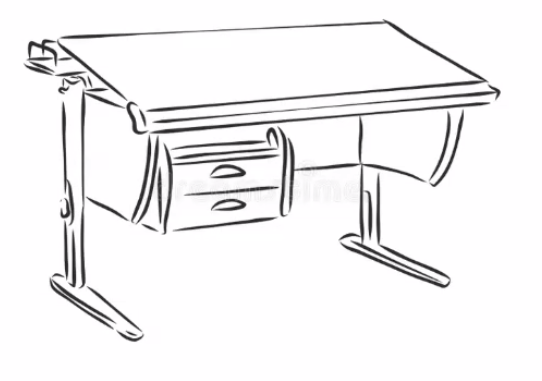
Each card is one snapshot the kernel exported at that point in the conversation — the prompt as typed, and the STEP that came back. Same camera on every shot, so the progression is the comparison. Nothing was redrawn for the page; each STEP below is the one from the session.
make this a website section that we can link to about the podcast appearance
do one page for this, then another for pushing it further
That is this page, and the second one: the same STEP taken apart on a scrubbable exploded clip, a bill of materials with masses, and the centre of mass — the answers an engineer asks for next.
The fastener pass
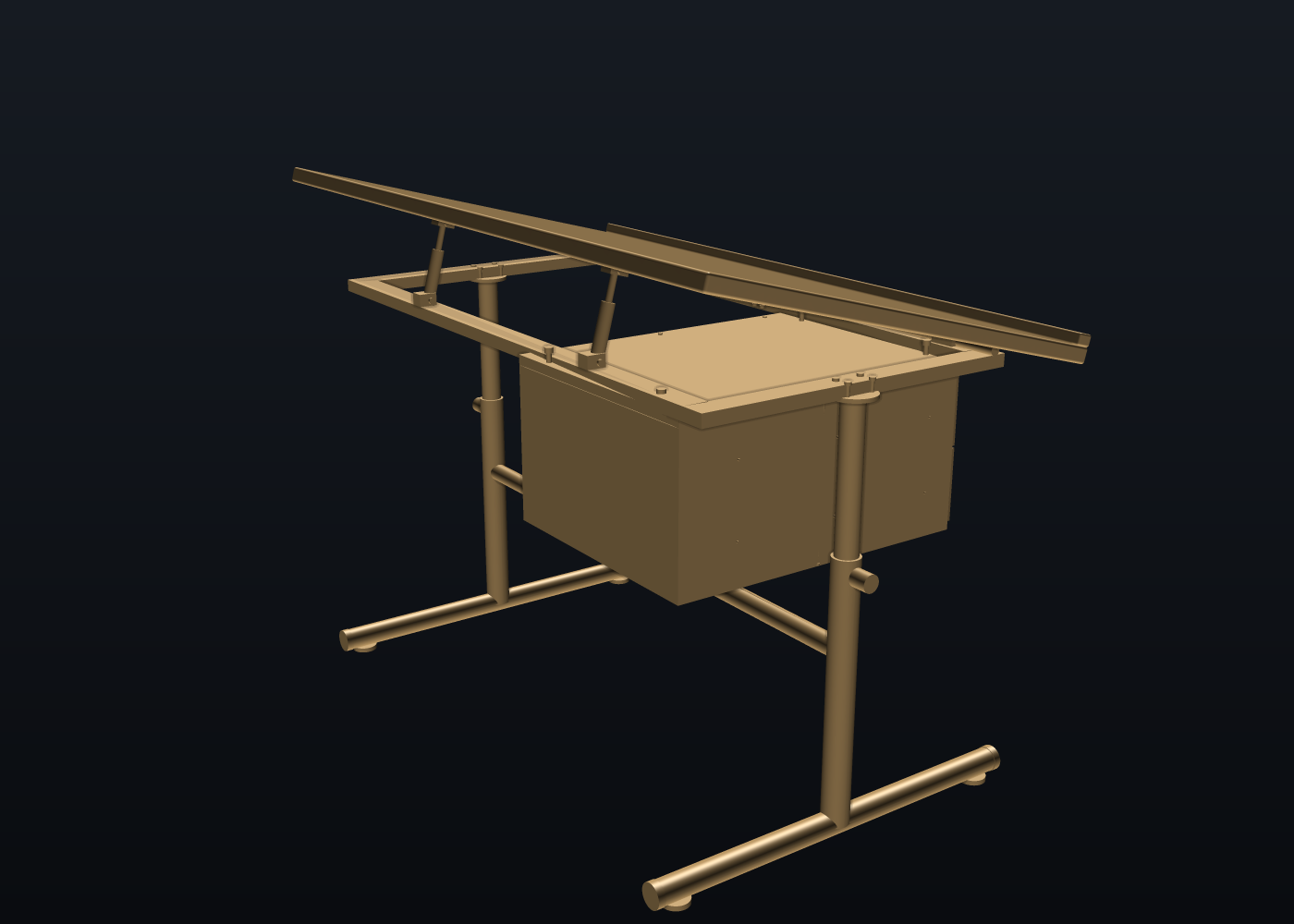
A desk that renders is not a desk that assembles. The connector pass is where a text-to-CAD tool either knows what a hinge needs or does not — and it is the pass a human designer would otherwise spend an afternoon on.
Replay it yourself
The whole desk is build_desk.py — a short script that writes the op list
desk_ops.json the MCP replays through cad_batch. Change the width, the tilt or
the hinge line at the top of the script and every fastener follows.
Loading the op list…
Try this yourself — install NativeCAD for Claude today
Everything on this page was built by talking to Claude with the NativeCAD MCP installed. The same kernel installs in about a minute and is free for personal, academic and research work with a free registered key (email confirmation, one form at featureboard.ai/register); the evaluation loop needs no key at all.
Claude Desktop: open the downloaded .mcpb and it installs as an extension.
Claude chat: open the .plugin, or attach it in a chat and press Save.
Claude Code and other MCP clients: one npx line (the tarball today, the registry name once published). Then ask for a part — a bracket,
a shaft, a desk — and get a STEP file back. Commercial use beyond the 60 days is one seat per person.
Take the files
The STEP is the exact AP242 B-rep of every body, re-imported and tessellated by the generator before the GLB shipped. The standalone viewer needs no server.
More demos
All demos →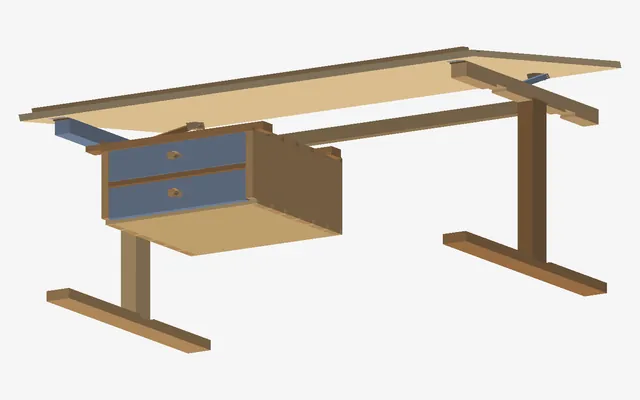
One sketch, two desks you could actually build
A steel-frame desk and the same desk in solid oak dovetails, checked for clashes as the top tilts.
Rear differential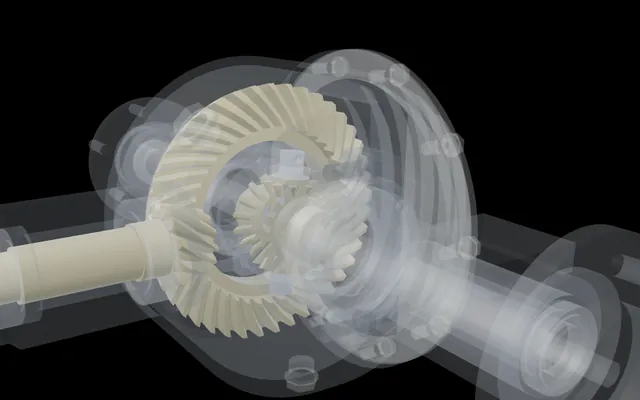
One wheel held, the other turns twice as fast
A complete rear differential with every bolt modelled, driven only by its mates, its feature tree open.
59 parts · 123 mates Space Program
Fly what NativeCAD builds, from an A-10 to a Saturn V
NativeCAD-built aircraft and spacecraft on a real-scale world, from a gun run to a Moon landing.
18 vehicles you can fly GE bracket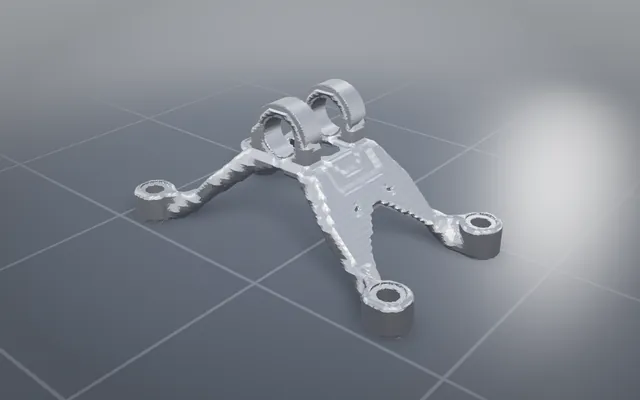
The GE jet engine bracket, lighter and carrying every load
The classic titanium bracket optimised and offered to print, cast, machine or weld, with STEP to download.
84.3% lighterBuild your own part with NativeCAD
Free for education and makers with a registered key · $200 per seat per year · Kernel SDK for products.