CAD models your PDF reader can rotate
Every model below was exported by NativeCAD as a 3D PDF — an ISO 14739-1 (PRC) model embedded in an ordinary PDF page — from one zero-dependency pipeline: B-rep in, tessellation, PRC serialization, PDF container. Some are imported from STEP AP242, the rest are authored by the kernel itself. Each ships as the 3D PDF, the bare PRC stream, and STEP.
The gallery
What these demonstrate
- STEP in, PDF out, one pipeline. AP242 import → B-rep tessellation → PRC serialization → PDF container, all inside NativeCAD's zero-dependency kernel — no HOOPS Publish, no external converter.
- PMI carries through, and PMI can be authored. Graphical callouts in a source AP242 file travel into the PDF as PRC markup with per-annotation views; the dimensioned samples go further and author their callouts — leader, arrowheads, extension lines and the values themselves — directly as markup polylines.
- Assemblies stay assemblies. A patterned model stores its geometry once and places it with occurrence matrices, so 28 pins cost one mesh.
- Deterministic bytes. The same model exports to the same file, byte for byte — the property that makes exports diffable and archival workflows auditable.
The same export is one call on the MCP surface:
cad_export_body { format: "pdf", path: "part.pdf" }.
More demos
All demos →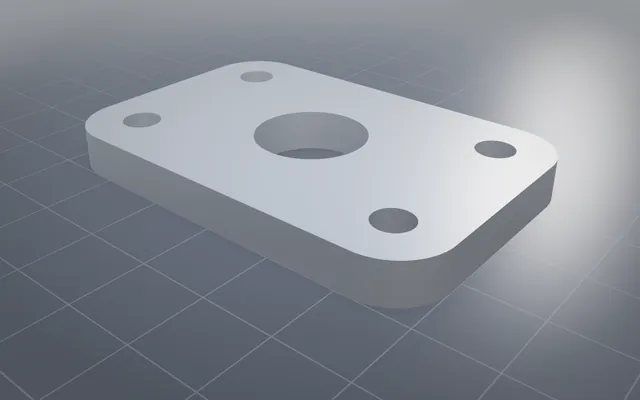
Every format, and every switch on it
Every common CAD, mesh and drawing format, read and written, with every option each one supports.
150/150 STEP files verified Tangent booleans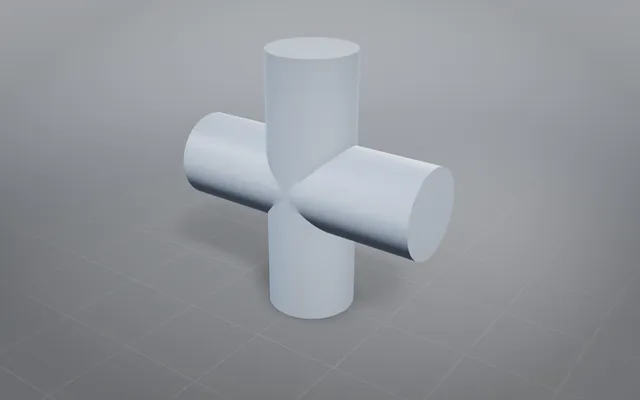
Tangent booleans: the classic hard cases, solved exactly
Solids that touch instead of cross, through union, subtract and intersect, each answer an exact closed solid.
19 tangent cases Defeaturing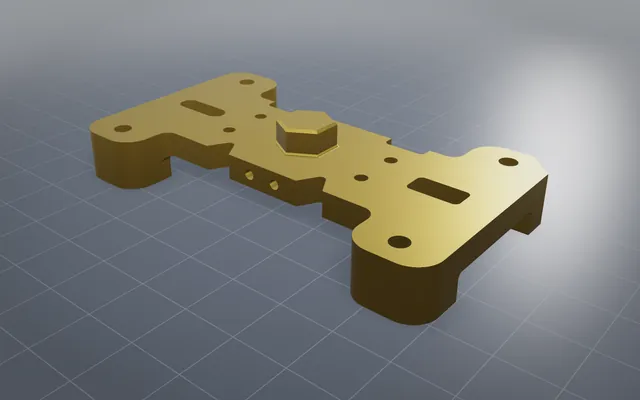
Less geometry at the same tolerance
Small holes, fillets and bosses removed and the solid healed watertight, ready for scenes and simulation.
V12 engine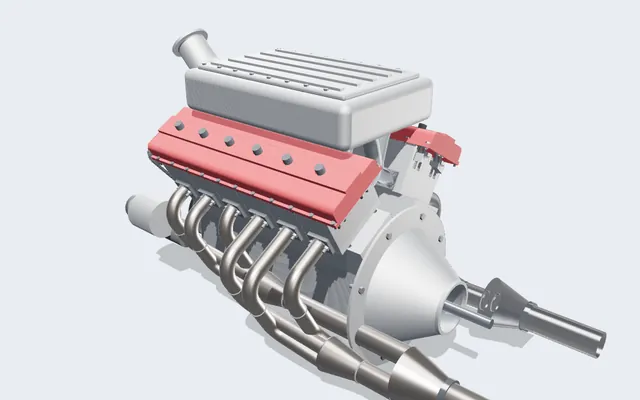
A V12 engine you can run, slice and take apart
Every crank, rod, cam and valve is a real solid, turning in your browser from one dial: the crank angle.
361 parts · 2,850 placementsBuild your own part with NativeCAD
Free for education and makers with a registered key · $200 per seat per year · Kernel SDK for products.