The FoDES desk, pushed further: an assembly you can take apart
Part one (fodes-desk.html) built the desk by conversation and shipped a STEP. This page takes that one file and asks the questions an engineer asks next: how does it come apart, what is in it, what does it weigh and where is the weight. Every answer below is derived from the committed STEP by NativeCAD's own kernel — the exploded view is a glTF animation clip authored from the build script's explode groups, the BOM is the parts grouped by class and envelope, the masses are integrated from each body's tessellation.
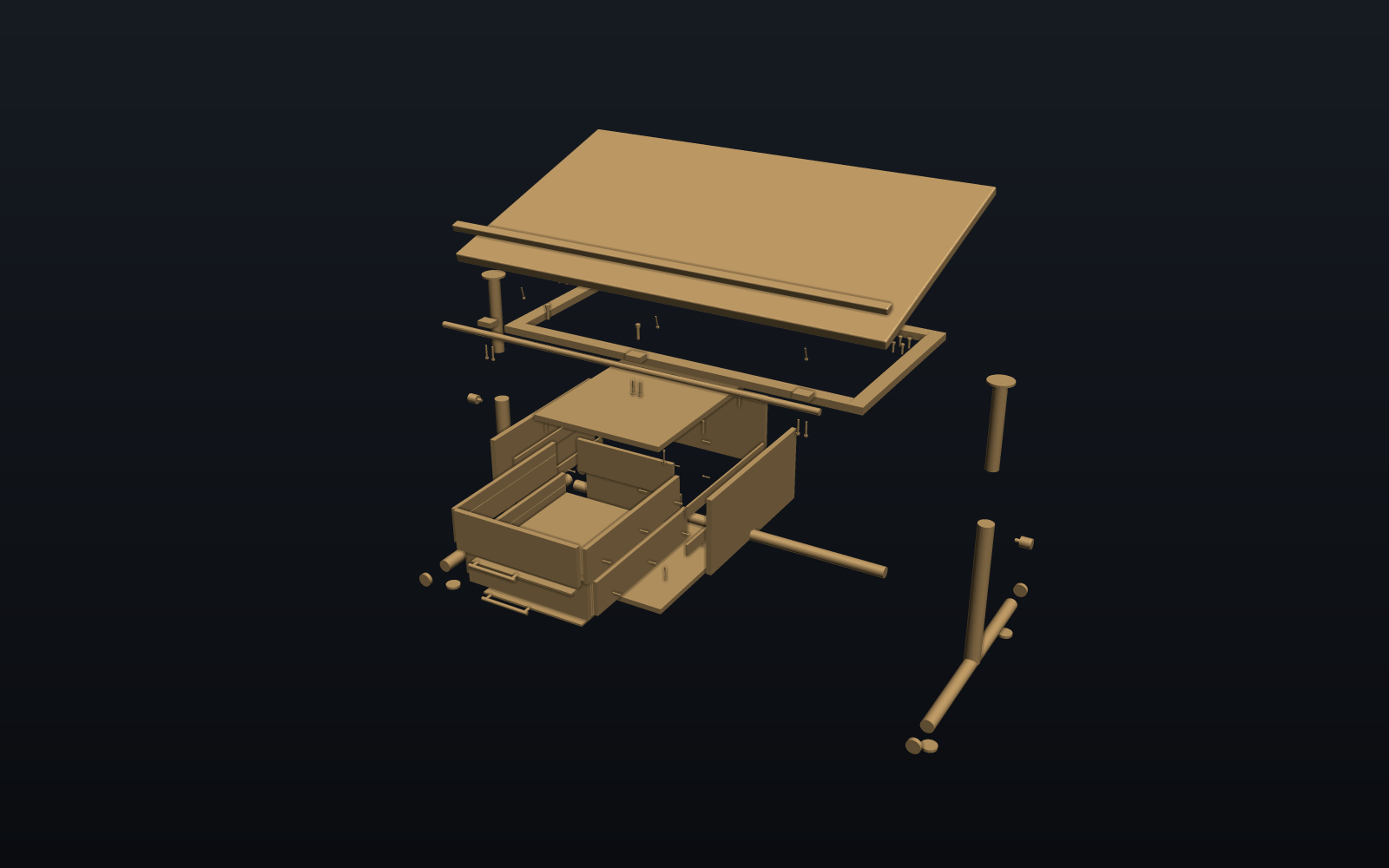
Drag inside the scene to orbit, scroll to zoom. The slider scrubs the explode clip; the fasteners travel further than the parts they hold.
The prompts that took it further
- "do one page for this, then another for pushing it further"The build script tags every body with an explode group;
GltfAnimations.explodeClipturns the vectors into one translation channel per body. The BOM groups bodies by class and envelope; masses are integrated from each body's tessellation. - "explode slider isn't working"It was: the page had been opened from disk, where browsers block the manifest fetch. Served, the clip scrubs.
- "exploded desk doesn't look realistic — think about the drawers and where the screws go"The pedestal block became a carcass, the drawer plates became boxes on slides, and every fastener got its own withdrawal vector along its axis — so the explode now reads as an assembly coming apart, not parts drifting.
- "put the incremental versions into the showcase … then show where we took it past that"The prompt-by-prompt strip on part one, and this page.
What it weighs, as modeled
Every figure is measured from the shipped model. Densities are per class (laminated MDF, steel, zinc-plated steel). The tubes are hollow (1.5 mm wall), the pedestal is a 16 mm MDF carcass, and every screw hole is cut, so the total is the mass of the shelled model; the sections below show how it got there.
Bill of materials
One row per unique part: bodies with the same class and the same envelope (rounded to 0.5 mm, orientation-independent) collapse into one line with a quantity — the shape a purchase order wants. The CSV below is the same table.
How the explode was authored
The build script tags every body with an explode group as it creates it — top,
top hardware, hinge, frame, each leg and its hardware, struts, pedestal, drawers, pulls — and
writes one vector per body: the part's group offset plus, for every fastener, a withdrawal along its own axis out of the hole it lives in. GltfAnimations.explodeClip turns those into one
translation channel per node with a smoothstep out-leg, a hold, and the mirrored return, so the
clip loops and the viewer's scrub bar maps straight onto "how far apart". No keyframes were typed;
change a vector in build_desk.py and the clip follows.
Shelled stock and the honest mass
Every structural tube is now hollow: the four 40 × 20 rails are shelled with cad_shell
to a 1.5 mm wall and the round tubes (feet, posts, cross tube) have their bore subtracted. The pedestal
carcass is 16 mm MDF panels, so it was never solid. The frame class drops from 58.7 kg of
solid bar to 16.2 kg, and the whole desk from 89.6 kg to 47.0 kg
(11 hollow tube bodies; the figures above are the shelled model).
Real holes, counterbores and grooves
Every screw, nut and head is subtracted from each part it passes through or sits in, so the hole, the counterbore under a head and the pocket for a nut are geometry, not two solids sharing space. The build makes 194 boolean cuts across 46 bodies: 3 hinge-leaf reliefs (round, about the pin), 44 head counterbores / seats, 132 shank bores, 3 hinge-pin bores, 4 lock-knob stud bores, 8 drawer-bottom grooves. The top gets a round relief about the hinge pin instead of a box pocket, so it clears the leaf blocks at every angle, and the two drawer bottoms run in grooves cut into the sides, back and front. Each cut is applied as its own op (a thin-walled tube takes a dozen cuts far faster one at a time), and the STEP is one assembly of 202 bodies.
Does every fastener still have thread to bite?
With the holes real, the check is measured, not assumed: for each of the 65 fasteners, how many millimetres of its shank run through the part that carries the thread, counted on the cut geometry with the screw's own bore removed. The rule: thread engaged >= 1.0 x d in a tapped steel part; wood-screw thread engaged >= 2.0 x d in MDF; nut thickness >= 0.8 x d (ISO 4032 style). All groups pass.
| Fastener | Qty | Size | Thread bites into | Engaged, min (mm) | Required (mm) | Result |
|---|---|---|---|---|---|---|
| Ledge screw (top to ledge) | 3 | M4 | pencil ledge | 12.0 | 8.0 | pass |
| Hinge knuckle M5 | 6 | M5 | knuckle block | 14.0 | 5.0 | pass |
| Post flange M6 | 8 | M6 | post flange | 6.0 | 6.0 | pass |
| Strut eye bolt M6 + nut | 4 | M6 | nut | 5.0 | 4.8 | pass |
| Carcass screw M4 (panel to side edge) | 12 | M4 | carcass side panel | 24.0 | 8.0 | pass |
| Pedestal hanger M8 | 4 | M8 | carcass top panel | 16.0 | 16.0 | pass |
| Slide screw M3.6 (into carcass side) | 12 | M3.6 | carcass side panel | 14.0 | 7.2 | pass |
| Slide screw M3.6 (into drawer side) | 12 | M3.6 | drawer side | 10.0 | 7.2 | pass |
| Pull screw M4 (into pull post) | 4 | M4 | pull post | 10.0 | 4.0 | pass |
The M8 pedestal hangers and the M6 post-flange bolts sit exactly on their limit (2 × d in MDF, 1 × d in steel) — the rule is met, with no spare thread.
Clearance sweep: the top from 0 to 45°
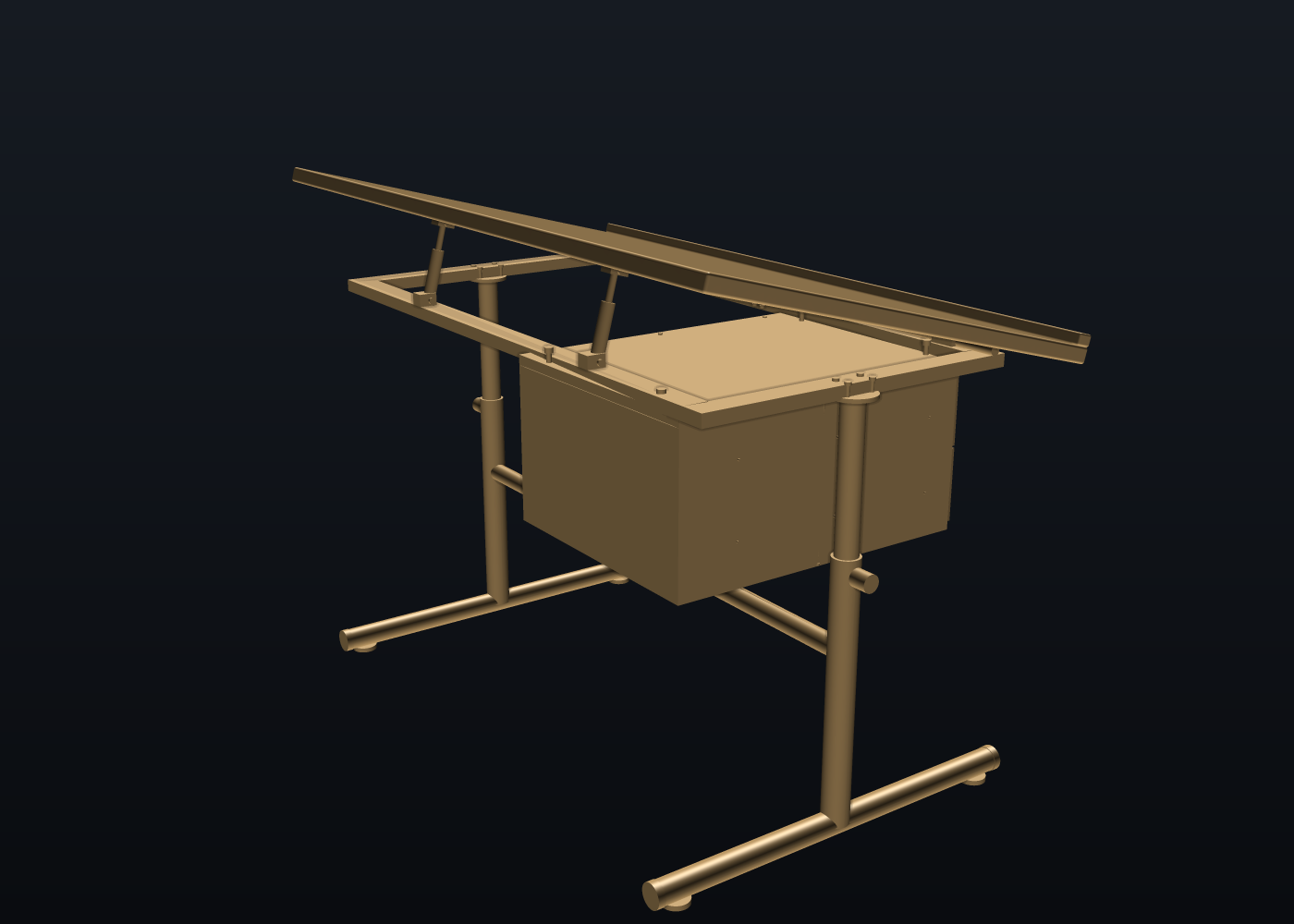
The top swings about its hinge pin. Everything that rides with it (the top, the pencil ledge, their screws, the
upper strut eyes and bolts) turns about the pin; each gas strut is a link between its lower eye on the frame and its upper eye on the
top, so its barrel and rod turn about the lower pivot and the rod slides out by the change in pivot distance. That motion is
authored once as a joint and sampled two ways: into the tilt clip (40 channels, 8 s loop, starting at the as-built 15°) and into
10 poses that the kernel's clash checker (AssemblyClash.clashReport) runs on the STEP's exact B-reps, moving group against the other groups.
The first column of the table is the pose, then how many pairs interfere beyond the 10 designed seats (barrel and rod seated in their eyes, rod on its bolts),
the closest gap among the rest, and the strut's pivot-to-pivot length.
| Tilt | New clashes | Closest clear (mm) | Strut pivots (mm) |
|---|---|---|---|
| 0° | 18 | 0.22 | 16 |
| 5° | 9 | 0.24 | 45 |
| 10° | 6 | 0.25 | 86 |
| 15° | 0 | 0.25 | 128 |
| 20° | 0 | 0.24 | 170 |
| 25° | 0 | 1.27 | 212 |
| 30° | 0 | 1.04 | 253 |
| 35° | 0 | 0.84 | 294 |
| 40° | 3 | 0.67 | 335 |
| 45° | 3 | 0.52 | 374 |
- Clear from 14.9° to 37.91°. The as-built 15° sits just inside the low end.
- High end, 37.91°: the top's front edge meets the frame rails (top / rail); at 45° the overlaps are 167 mm³, 167 mm³, 5581 mm³.
- Low end, 14.9°: the struts run out of travel: rail / strut rod, gas strut / strut eye (upper), strut rod / carcass top panel, strut rod / carcass back panel. Below that the strut rod meets the pedestal's carcass (5° and 10°) and, flat, the top.
- The pencil ledge is in no clash pair at any angle from 0 to 45°.
- The struts as modelled would need their pivot distance to run from 16 mm (flat) to 374 mm (45°), against 128 mm as built: the lower eyes would have to move for the full range.
Manufacturability and cost
The DFM checker has no rule class for tube bending, tube notching or edge banding, so the steel frame and the MDF edges carry no manufacturability verdict here. The bill of materials lists class, material, envelope, quantity and mass; it has no unit costs, so this page shows no cost total.
Try this yourself — install NativeCAD for Claude today
Everything on this page was built by talking to Claude with the NativeCAD MCP installed. The same kernel installs in about a minute and is free for personal, academic and research work with a free registered key (email confirmation, one form at featureboard.ai/register); the evaluation loop needs no key at all.
Claude Desktop: open the downloaded .mcpb and it installs as an extension.
Claude chat: open the .plugin, or attach it in a chat and press Save.
Claude Code and other MCP clients: one npx line (the tarball today, the registry name once published). Then ask for a part — a bracket,
a shaft, a desk — and get a STEP file back. Commercial use beyond the 60 days is one seat per person.
Take the files
More demos
All demos →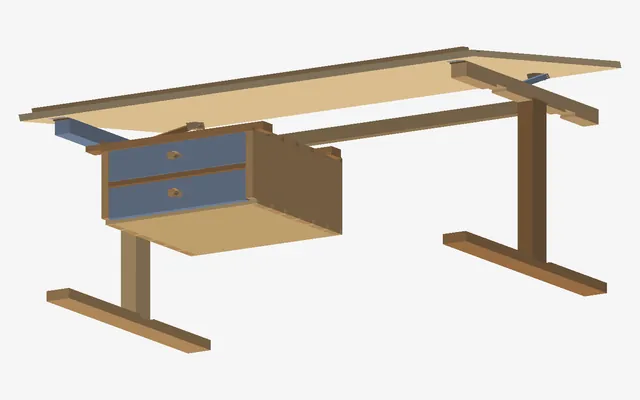
One sketch, two desks you could actually build
A steel-frame desk and the same desk in solid oak dovetails, checked for clashes as the top tilts.
Rear differential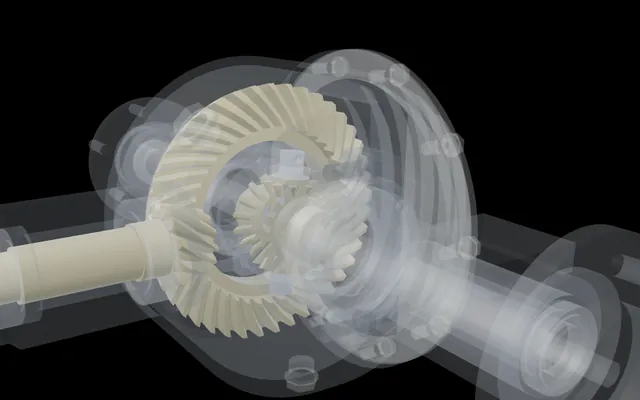
One wheel held, the other turns twice as fast
A complete rear differential with every bolt modelled, driven only by its mates, its feature tree open.
59 parts · 123 mates Space Program
Fly what NativeCAD builds, from an A-10 to a Saturn V
NativeCAD-built aircraft and spacecraft on a real-scale world, from a gun run to a Moon landing.
18 vehicles you can fly GE bracket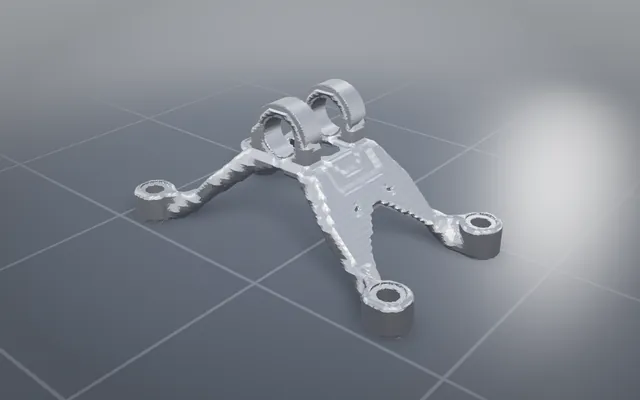
The GE jet engine bracket, lighter and carrying every load
The classic titanium bracket optimised and offered to print, cast, machine or weld, with STEP to download.
84.3% lighterBuild your own part with NativeCAD
Free for education and makers with a registered key · $200 per seat per year · Kernel SDK for products.