CAD models any glTF viewer can run
Every model below was exported by NativeCAD as a single
.glb — a glTF 2.0 binary scene — from one zero-dependency pipeline:
B-rep in, crease-aware tessellation, PBR materials, generated animation clips, GLB container
out. No converter, no post-processing: the bytes here are exactly what
cad_export_body { format: "glb" } writes.
The gallery
What these demonstrate
- B-rep in, runtime asset out, one pipeline. Solid modeling → tessellation with B-rep-driven crease normals (machined edges split, blends stay smooth) → glTF 2.0 with exact accessor bounds — the file passes container and structural verification before it ships.
- Materials are PBR from the start. Kernel appearance classes map to metallic-roughness (plus KHR clearcoat/transmission where the class needs it), so every viewer shows the same material.
- Assemblies stay assemblies. The pin array stores its pin mesh ONCE and places it with 28 nodes — instancing by reference, straight from the B-rep assembly structure.
- Animation is generated from the model. The exploded view and the turntables are computed clips, explode vectors from assembly structure and spins about kernel axes, written as standard glTF animation channels.
The same export is one call on the MCP surface:
cad_export_body { format: "glb", path: "part.glb" }.
More demos
All demos →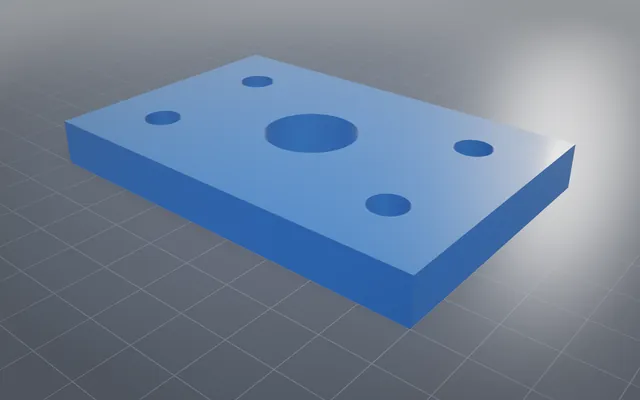
CAD models your PDF reader can rotate
3D PDFs of real parts and assemblies, with dimensions on the model, each shipped beside its STEP file.
Interop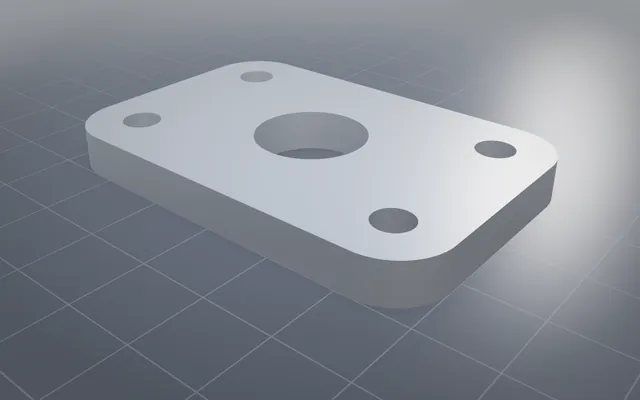
Every format, and every switch on it
Every common CAD, mesh and drawing format, read and written, with every option each one supports.
150/150 STEP files verified Tangent booleans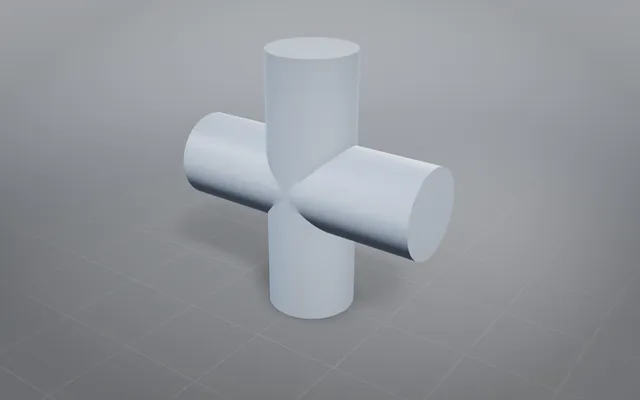
Tangent booleans: the classic hard cases, solved exactly
Solids that touch instead of cross, through union, subtract and intersect, each answer an exact closed solid.
19 tangent cases V12 engine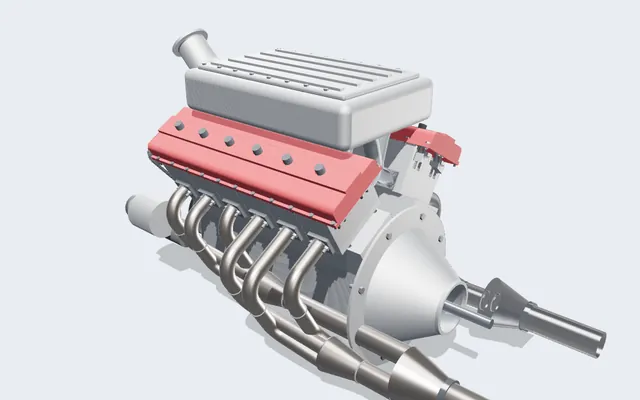
A V12 engine you can run, slice and take apart
Every crank, rod, cam and valve is a real solid, turning in your browser from one dial: the crank angle.
361 parts · 2,850 placementsBuild your own part with NativeCAD
Free for education and makers with a registered key · $200 per seat per year · Kernel SDK for products.