An engine part has to satisfy the aerodynamicist, the stress office, the clearance budget and the foundry or print shop, usually in that order and usually over several weeks. NativeCAD is CAD, FEA and CFD software driven by your AI assistant. It builds exact B-rep geometry and runs the solvers itself, so a design point is checked against every constraint before a person spends time on it.
What aerospace teams do with NativeCAD
- Model blades, casings and actuation hardware as exact solids with STEP AP242 out.
- Trade aero, stress, clearance and castability on one design in one pass.
- Produce blade qualification reports: prestressed modes, Campbell diagram, forced response, Goodman factor.
- Couple CFD, combustion chemistry and a start-up transient.
- Take a part to a metal AM build plate with orientation and supports scored.
A turbine blade boxed in by four solvers
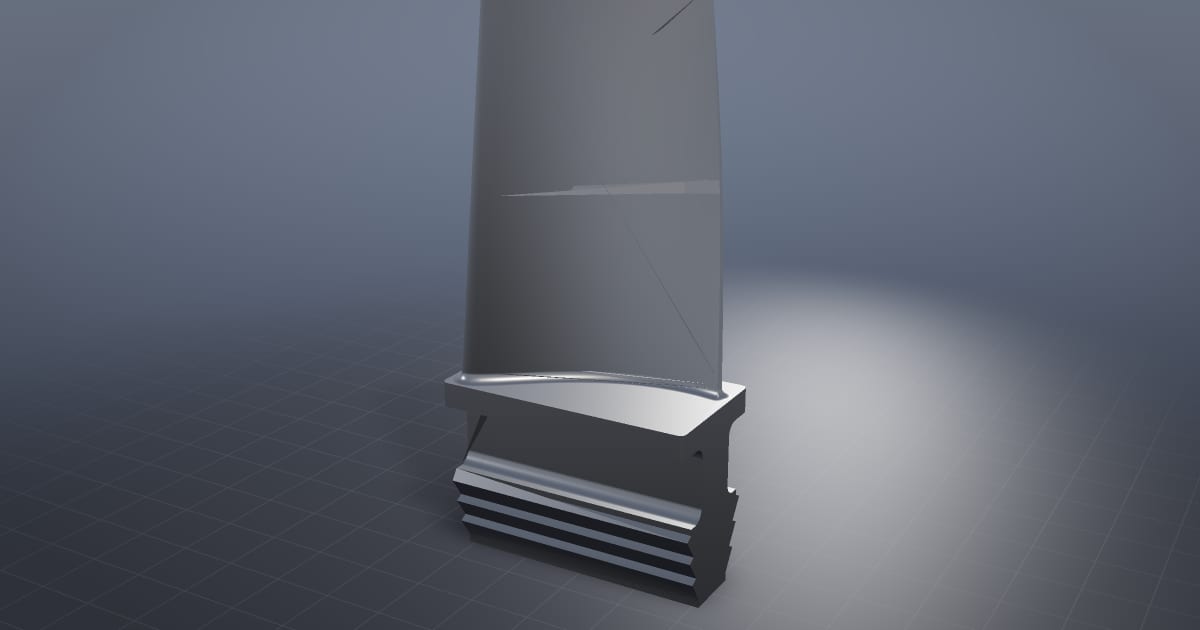
The HP turbine blade demo checks one blade with four solvers: castability, rim load, tip clearance and aero. There are 80 blades behind a 47-vane nozzle row, spinning at 11,000 rpm, which is about 45,000 g at the root. The nominal blade fails castability. The picked design point passes all four, and the built surface sits 0.0033 mm from the analytic aerofoil across 60 stations.
Casings and variable stator vanes, built to be made
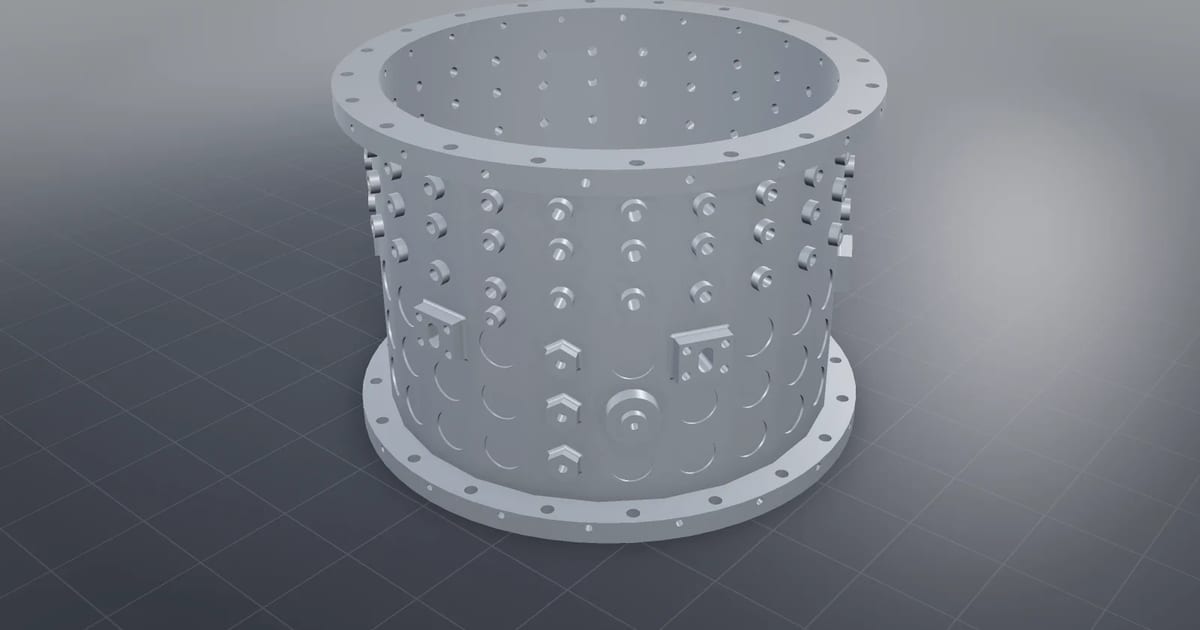
The compressor casing has 158 holes cut through, including 72 spindle bores and 6 bleed slots, with 42 blended root edges, as one watertight exact solid that is DFM-checked and round-tripped through STEP. The variable stator vane stage drives three vane rows from two actuators through one torque shaft, with ISO 286 fits measured and rigging scatter stacked.
Blade qualification on NASA Rotor 67
The NASA Rotor 67 qualification rebuilds the public rotor and solves it end to end: prestressed modes, Campbell diagram, forced response and Goodman safety factor. The report states its finding plainly: a stage minimum safety factor of 1.19 against a required 1.5, left open. That is the output you want from a qualification tool, a number against a requirement.
CFD, chemistry and a start-up in one loop
Simulation coupling runs a 300 N jet engine with SU2 compressible CFD, Cantera combustion chemistry and a simulated start-up: exit Mach 0.868 and 298.1 N of thrust against the 300 N target. For external aero, the A320neo large-eddy simulation at approach, CONF FULL, gear down, 136 kt, solved on a single RTX 5060 in about 6.6 minutes.
From vane to build plate
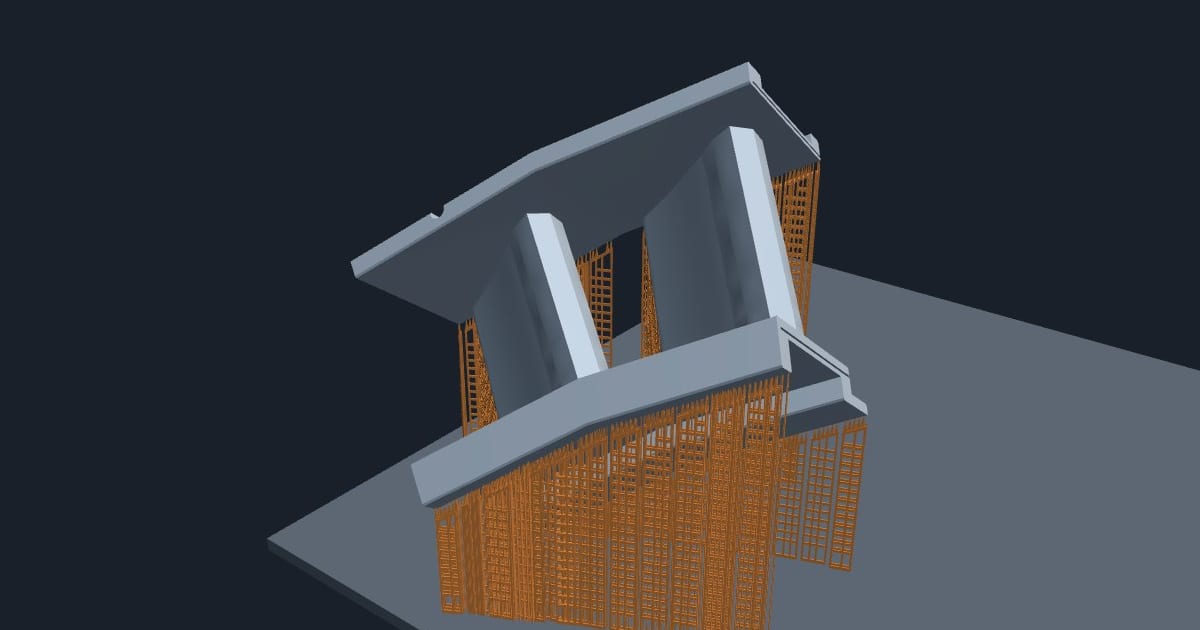
The turbine vane print prep goes from the vane's CAD file to a finished plate in 116 s: 288 orientations scored, 11 supports with none on the gas-washed surfaces, 3,444 layers. Structures follow the same route: the GE bracket at 83.6% lighter and the conformal lattice panel with 0 of 390 cells clipped by the skins.
Whole engines and model-based definition
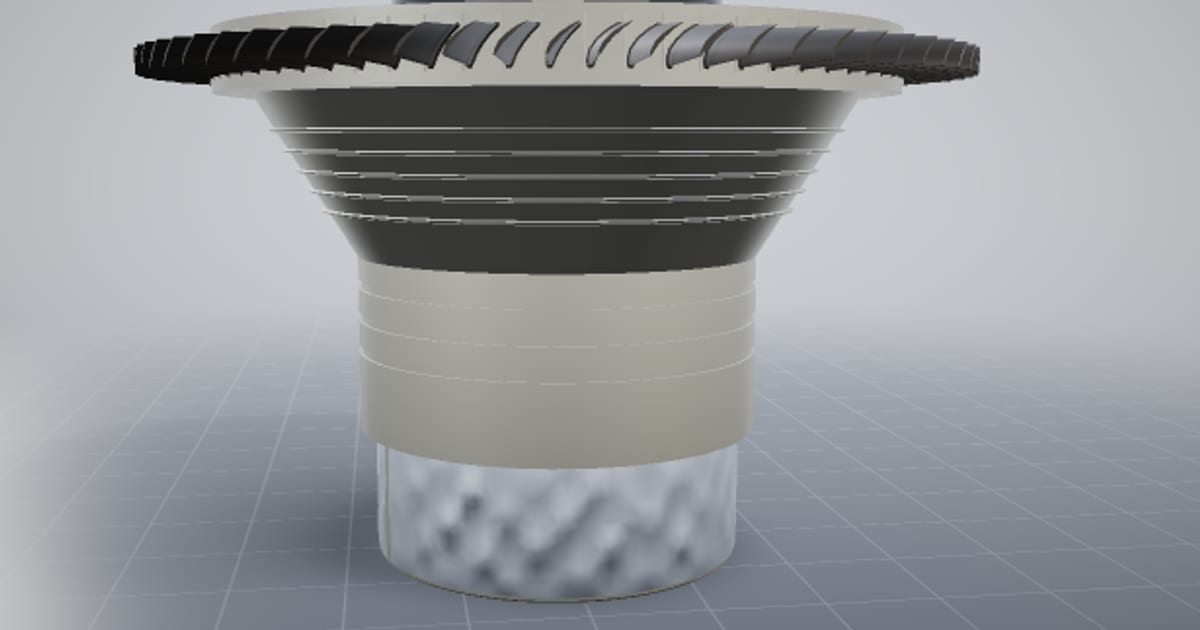
The engine core reconstructed from public frames includes an 8-stage compressor rotor with 356 cambered blades, with every touching pair of parts checked for clashes. For release, NativeCAD writes STEP AP242 with PMI and 3D PDF. Programs with data-handling rules should read NativeCAD for defense and regulated manufacturing.
What to ask your assistant
Build a compressor blade from these section profiles and report deviation from the aerofoil.
    Run prestressed modal analysis at 11,000 rpm and draw the Campbell diagram.
    Check this casting for draft and minimum wall, and tell me what fails.
    Orient this vane for laser powder bed fusion with no supports on the gas path.
Questions aerospace engineers ask
Can an AI assistant design turbomachinery blades in NativeCAD?
Yes. NativeCAD has blade and turbomachine tools that build exact aerofoil solids from section data, and the turbine blade demo checks the result with castability, rim load, tip clearance and aero solvers.
Which CFD and FEA solvers does NativeCAD use?
Structural and modal analysis runs on CalculiX. The coupled engine demo uses SU2 for compressible CFD and Cantera for combustion chemistry. The aircraft airflow demo is a GPU large-eddy simulation.
What does NativeCAD cost?
A NativeCAD MCP / Modeler seat is $200 per seat per year, or $20 per seat per month, with no metered usage. The evaluation needs no key and no sign-up; export, save and import need a seat key. See pricing.
Does my geometry leave my computer?
NativeCAD runs on your own machine: the kernel and solvers run locally and licence validation is fully offline. Files opened in the browser modeler are never uploaded. Your AI assistant sees what you ask it to work on, under your agreement with its provider.
NativeCAD in other industries
- NativeCAD for Drone Manufacturers: Airframe, Airflow and Every Revision Checked
- NativeCAD for Automotive: Drivelines, Tolerance Stacks and Thermal Parts Your AI Can Check
- NativeCAD for Motorsport: More Design Iterations Between Races
- NativeCAD for Robotics and Weld Cell Integrators: Program the Cell From the CAD Model
- NativeCAD for CNC Job Shops: From the Customer's Drawing to a Checked Solid
- NativeCAD for Sheet Metal Fabricators: Flat Patterns, Bend Checks and Drawings by Conversation
- NativeCAD for Metal Additive Manufacturing: Design for the Printer, Then Prove the Part
- NativeCAD for 3D Printing Services and Product Designers: Fuller Builds, Parts That Work Off the Bed
- NativeCAD for Foundries and Casting: Part In, Mould Out
- NativeCAD for Electronics Hardware Teams: Check the Board and Fit the Enclosure Before You Build
- NativeCAD for Furniture Makers and Woodworkers: A Desk Designed in Ten Messages
- NativeCAD for Game Studios and 3D Asset Teams: Engineering-Grade Models as Runtime Assets
- NativeCAD for Simulation Teams: FEA and CFD Set Up and Run by the Agent That Built the Part
- NativeCAD for Defense and Regulated Manufacturing: AI-Built Parts Inside Your Own Boundary
NativeCAD is CAD, FEA and CFD software your AI assistant drives over MCP, from Claude, Cursor or your own agent, and in the browser. Every part is an exact B-rep solid that exports as STEP AP242. See what it does, browse every demo, check pricing, or install it.