Interoperability · DXF & PDF import
Drop in a DXF. Get a solid and a STEP.
The laser-cut profile a vendor sent, the flat pattern from an old job, the bracket someone only ever drew in 2D: open the DXF in NativeCAD and it is a real part. Holes are true cylinders, arcs are true arcs, every outline is exact, and it saves as a STEP file any CAD system or shop can open. And a manufacturer's PDF drawing opens too, read as the drawing it is: every view, its exact geometry, every dimension, the scale of every view and the title block.
Three ways in
Open it in the modeler
Click Open and pick the .dxf. Give it a thickness and you get a
flat part; leave it blank and you get a 2D sketch to extrude, pocket and build on. The drawing's
own units are picked up for you, so an inch drawing comes in at the right size. Export STEP when
you're done. Pick a vector .pdf drawing and it opens as a drawing: views, scale and
title block, page by page.
Ask for the part
With the NativeCAD plugin, Claude imports the DXF with cad_import, builds the
solid and hands you the STEP. Each part is named from its drawing layer, and that name goes into
the STEP file.
Say to ClaudeImport bracket.dxf as a 3 mm plate and save it as STEP.
Read it as a drawing
Point it at a drawing sheet, a DXF or a vector PDF, and NativeCAD reads the sheet: front, top, side, iso and section views, the title block, first or third angle, each view's scale and its dimensions. Sheets kept in paper-space layouts are read through their viewports, each at its own scale, and every view's curves can be written out for the next step.
Say to ClaudeRead the datasheet drawing.pdf as a drawing and tell me its views and scale.
One file, start to finish
The sample plate's cut-path DXF, the file NativeCAD writes for a laser vendor, goes back in at 6 mm and comes out as the plate it was cut from:
DXF nativecad-plate-cutpath.dxf 1.4 KB STEP nativecad-plate.step 75 KB
The same 20 faces and the same volume as the plate's own STEP. Open the DXF in the modeler with a 6 mm thickness, or hand it to Claude, and compare.
Manufacturer PDF drawings, read exactly
Most datasheet drawings are vector PDFs, not scans: the lines are exact and the dimensions are real text. NativeCAD reads them as a drawing, not a picture.
- Outlines come back as exact lines, arcs and circles. A hole is a circle with its true diameter, not a polygon.
- Every dimension is read as a value in millimetres:
60,Ø8,R4.75,2X Ø2.5,30±0.1,45°. - The drawing scale is recovered from those dimensions, view by view: a 1.5:1 detail beside a 1:2 view both come back full size.
- CAD layers are kept, and line styles are sorted into visible, hidden and centre lines.
- Outlines that some exporters draw as thin filled strokes still read as edges.
Checked against drawings NativeCAD makes itself: every visible edge comes back within 0.001 mm on the sheet, the scale matches, and every dimension is recovered.
And on real parts: six NIST manufacturing drawings rebuilt into STEP and checked against NIST's own models. Every one is a match.
Open the .pdf in the modeler, or hand it to Claude, and you get the same drawing
summary a DXF sheet gives: the views and where they sit, first or third angle, the scale of each
view, its dimensions and the title block, with every view's curves on request. A drawing set is
read a page at a time. A scanned PDF is turned away by name, because a scan has no exact geometry
to read.
Say to ClaudeRead page 2 of bracket-drawings.pdf as a drawing and list its views and their scales.
Every option and every refusal code: PDF drawing in.
What it reads
| DXF | Vector PDF | |
|---|---|---|
| Geometry | LINE, ARC, CIRCLE, LWPOLYLINE with
bulges, POLYLINE, ELLIPSE, SPLINE; ellipses and splines
stay exact curves. Doubled lines are merged and near-miss gaps closed, up to a tolerance you set |
Lines, curves and rectangles; arcs and circles come back as arcs and circles |
| Structure | Blocks and MINSERT arrays, mirrored and scaled ones too; layers, with
include and exclude lists |
Optional-content layers, form XObjects, compressed object streams, any page of the file |
| Units and scale | The file's $INSUNITS, or your override; inch drawings arrive in millimetres |
The units note on the sheet; the scale of every view |
| Annotation | Dimensions, text and title-block attributes, as data | Dimension values and every note on the sheet, embedded fonts included |
| Sheets | Model space, and paper-space layouts through their viewports | Any page: views, title block and border found, each view scaled on its own |
| Where | The modeler's Open, or cad_import from Claude: a part, a sketch or a drawing |
The modeler's Open, or cad_import from Claude: read as a drawing. A scanned page
is refused by name |
| Versions | ASCII DXF, R12 to 2018 | PDF 1.x, including object and cross-reference streams |
Try it
A drawing that should be a part and won't come in cleanly? Send it to support@featureboard.ai.
More demos
All demos →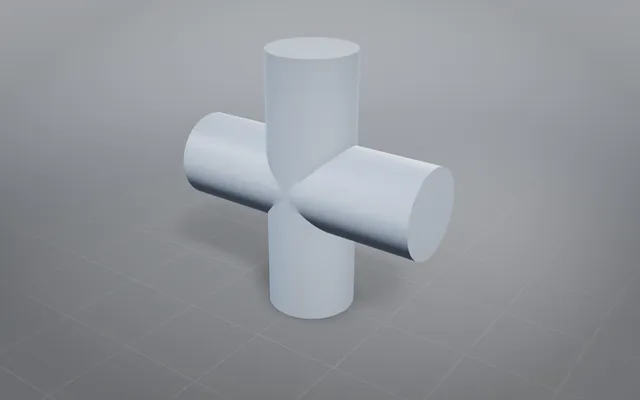
Tangent booleans: the classic hard cases, solved exactly
Solids that touch instead of cross, through union, subtract and intersect, each answer an exact closed solid.
19 tangent cases Defeaturing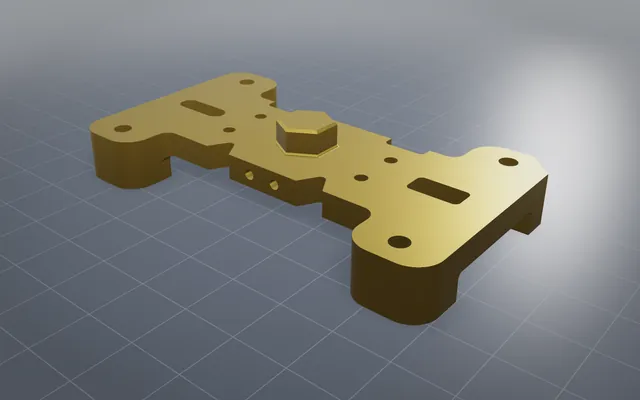
Less geometry at the same tolerance
Small holes, fillets and bosses removed and the solid healed watertight, ready for scenes and simulation.
NURBS ops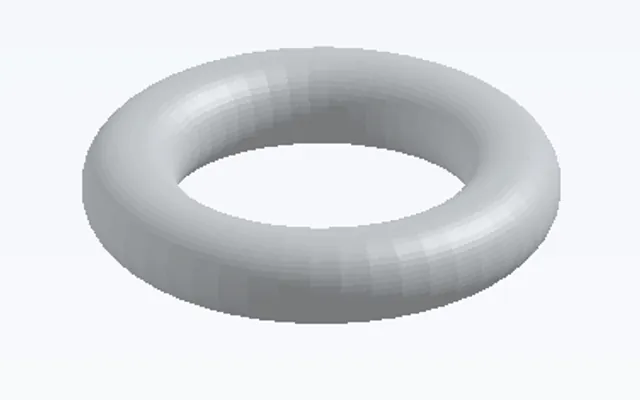
Curved offsets, shells and surfaces from points
Offsets and shells on curved solids, exact surfaces through point grids, and a mesh turned back into a solid.
6 curved operations V12 engine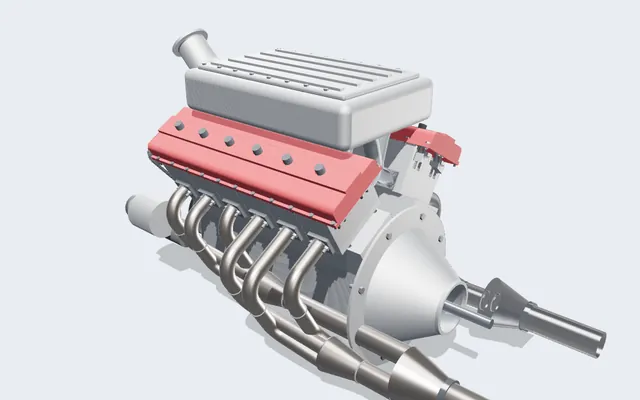
A V12 engine you can run, slice and take apart
Every crank, rod, cam and valve is a real solid, turning in your browser from one dial: the crank angle.
361 parts · 2,850 placementsBuild your own part with NativeCAD
Free for education and makers with a registered key · $200 per seat per year · Kernel SDK for products.